Mockup Designer
See your design on a real shirt — before you spend a dollar.
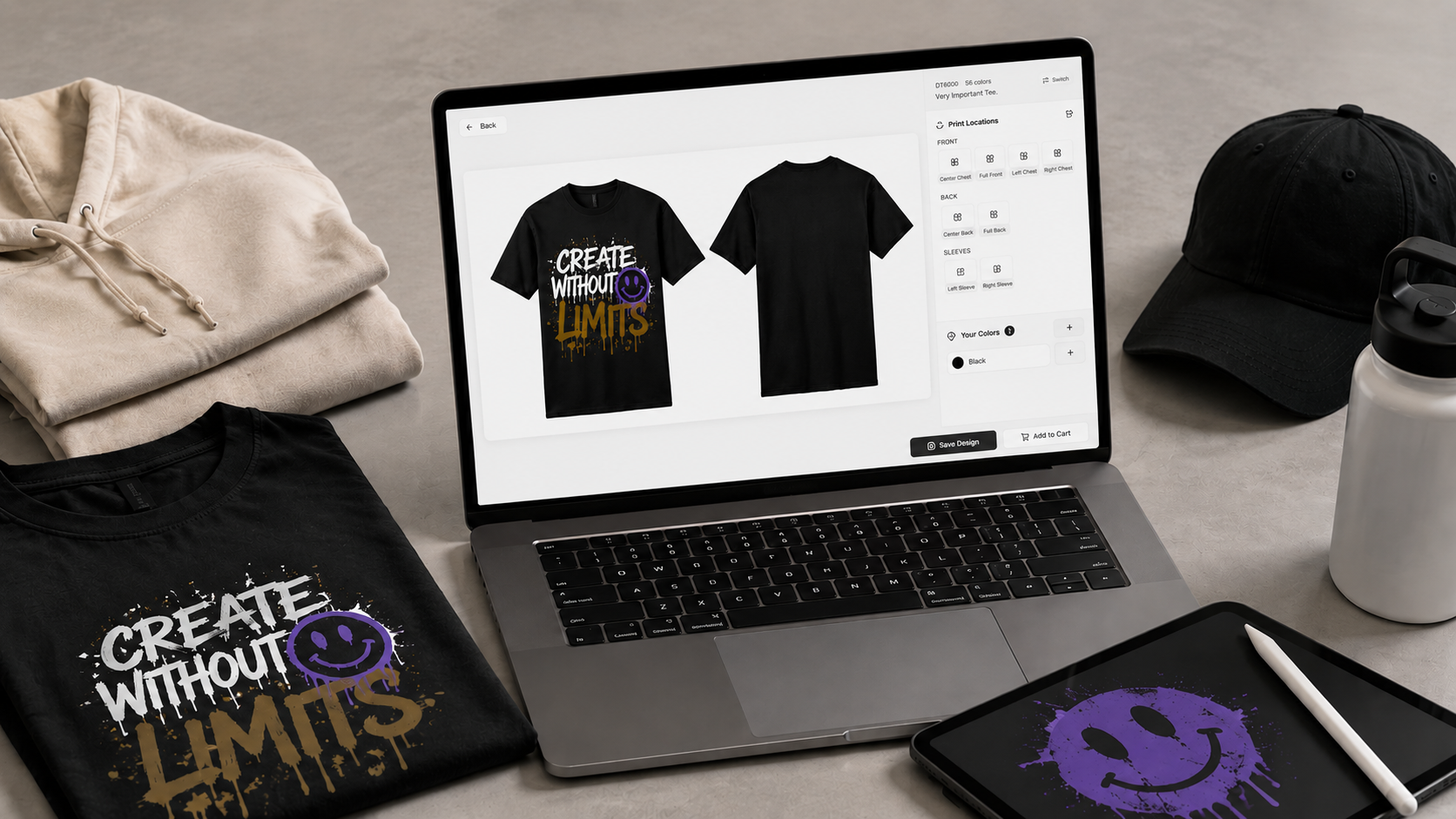
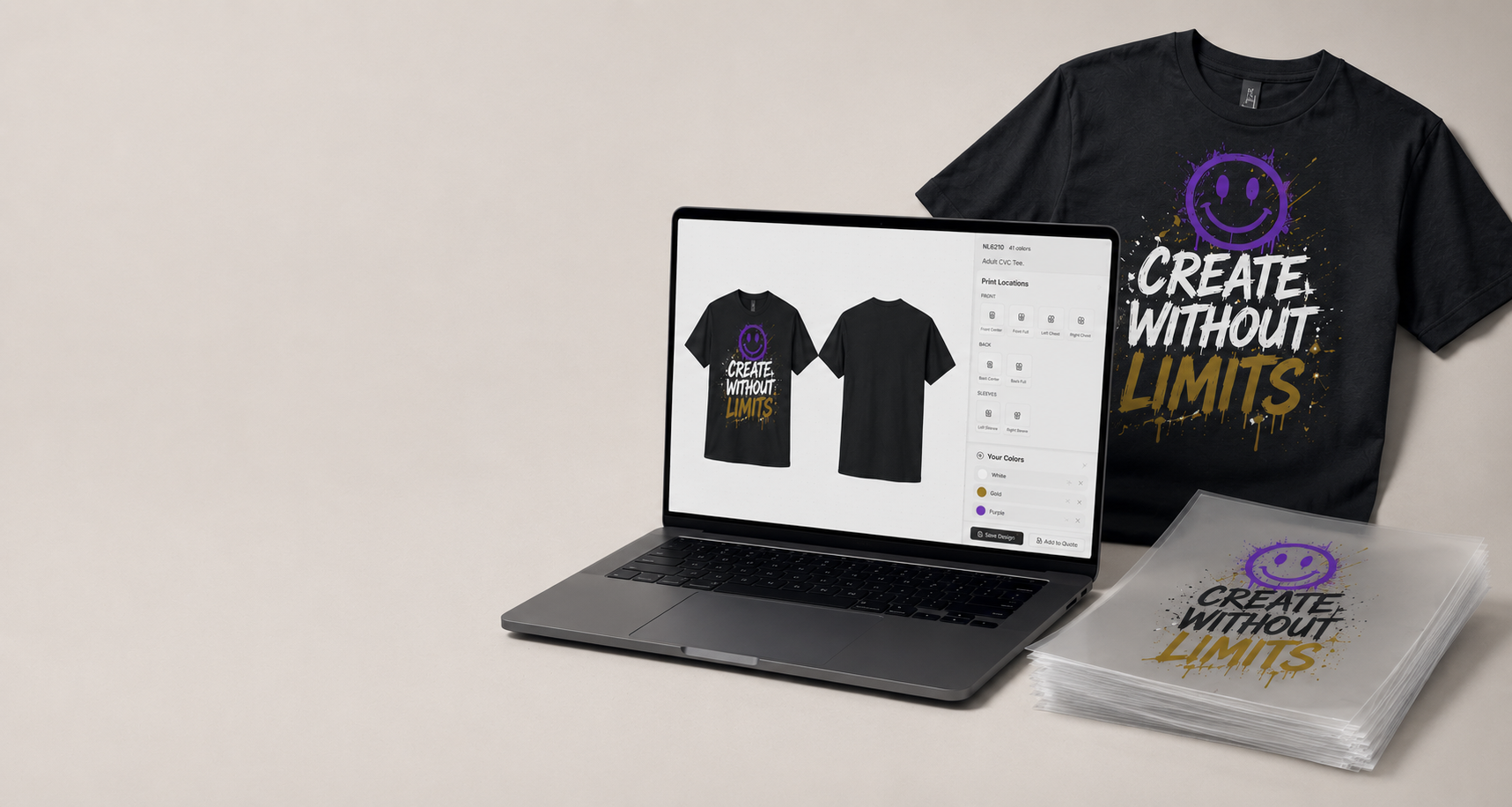
Drop your art onto any product in our catalog. Move it, scale it, switch garment colors, and watch the preview update live. When it looks right, add it to your cart.
- No software to install
- Mockups save to your account
- Edit and reorder anytime
What is a mockup?
A mockup is your design, on the actual product, before we print.
Who is this for?
If you’ve ever said any of these things, the mockup designer is built for you.
Small business owners
“I just want to see what my logo looks like on a hoodie before I buy 25 of them.”
Sports teams & schools
“Coach picks the design, but parents want to see jersey numbers and names mocked up first.”
Artists & creators
“I drew something cool. Now I want to see it on a tee, a tote, and a beanie before I share it with my followers.”
Event organizers
“The fundraiser is in three weeks. I need to lock the look today and ship to volunteers next week.”
How to make your first mockup (about 3 minutes)
No design experience required. If you can drag a photo onto a webpage, you can do this.
- 1
1. Pick the product you want to print on
Open the catalog and click any tee, hoodie, sweatshirt, hat, tote — whatever fits your vibe. Each product page has a “Design on this product” button.
- 2
2. Drop your artwork onto the canvas
Upload a PNG, JPG, SVG, or PDF. The designer auto-removes white backgrounds where it can, and warns you if your file is too low-resolution to print cleanly.
- 3
3. Move, scale, and rotate
Drag to position. Pinch or drag the corners to resize. Use the edges of the print area as your guides — anything inside that box is what we print.
- 4
4. Switch garment colors
Click any color swatch to flip the entire mockup. White on black, black on white, neon on grey — see them all without leaving the page.
- 5
5. Add front, back, sleeve prints
One garment, multiple print locations. Click another print zone (like “Back” or “Left Sleeve”) and design that one too. Each location is priced individually so you only pay for what you print.
- 6
6. Save it, share it, or buy it
Logged-in customers get a saved mockup in their account that can be reordered, edited, or shared with a teammate for approval. Or skip the save and add to cart right now.
Pro tips
Three things that make a mockup look great.
- Use a high-resolution PNG with a transparent background
- Leave a little breathing room
- Check the mockup on dark AND light shirts
Mockup designer questions
Don’t see your question? Send us a note from the contact page — we usually reply same day.
Ready to see your art on a real product?
Pick a blank, drop your design, and we’ll handle the rest. Your mockup saves to your account automatically.