Uploads & Art Prep
Drop your art in. Get print-ready files out.
Phone photos, screenshots, AI-generated images, old logos — we accept the formats you already have and clean them up automatically. Backgrounds removed, low-res upscaled, ready to drop into any order.
- PNG, JPG, SVG, PDF, AI, PSD, EPS, TIFF, WebP
- AI upscaling for low-res files
- Saved to your library forever
See it in action
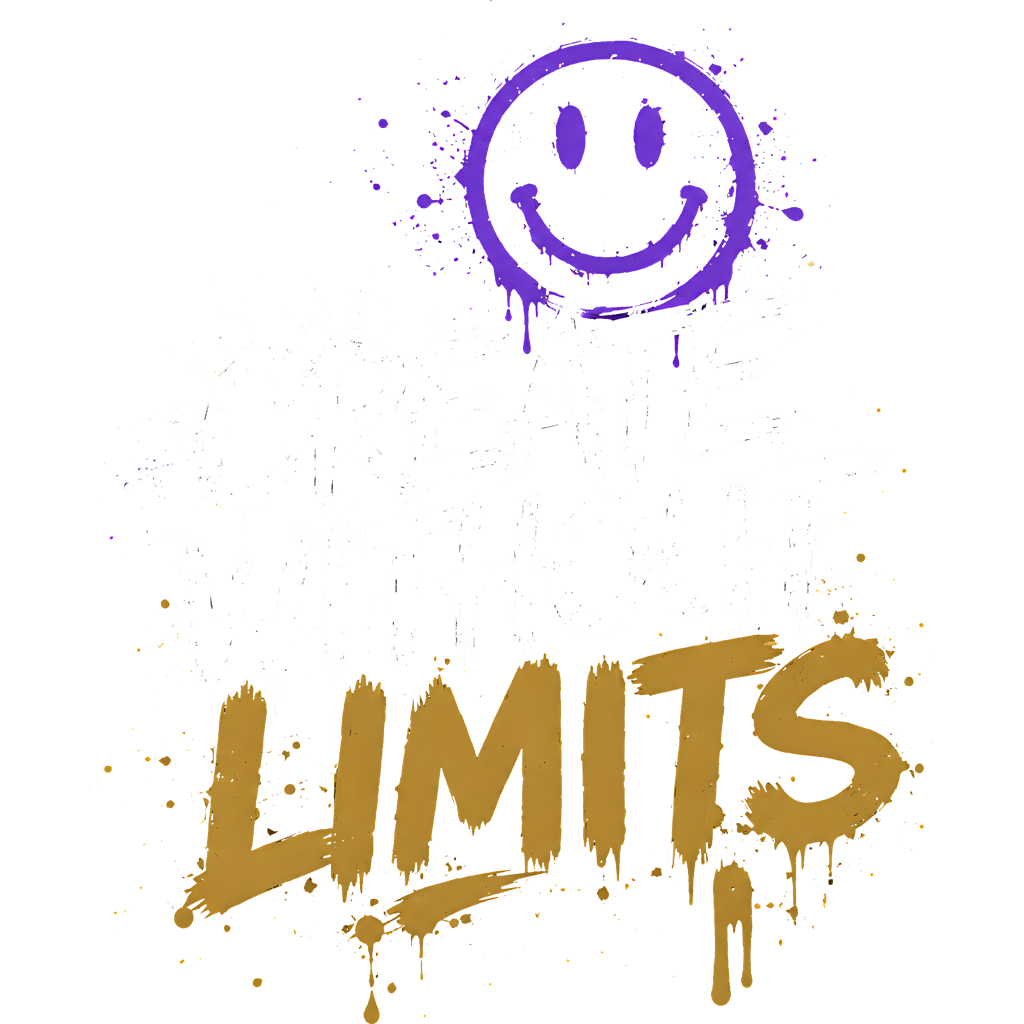
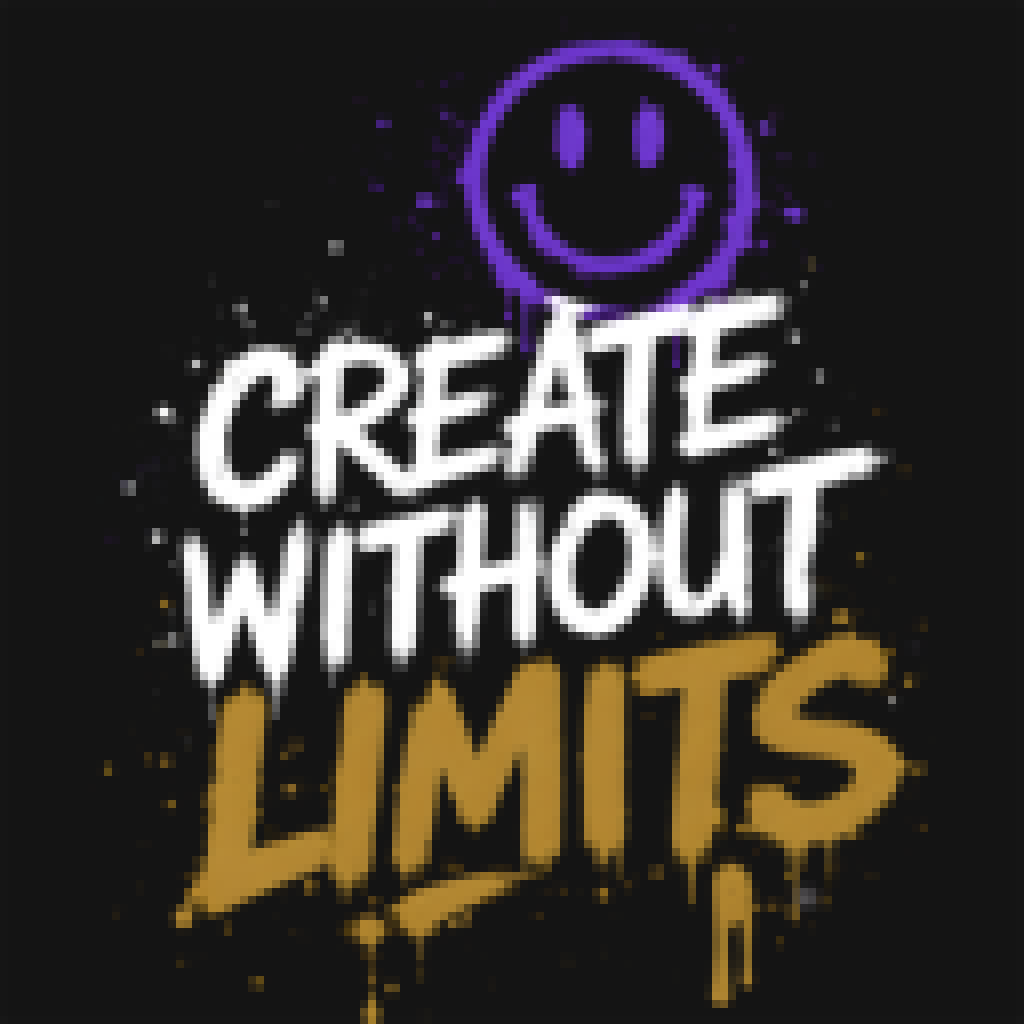
Same file. One click apart.
- White / single-color backgrounds removed automatically
- Edges sharpened so prints don’t look fuzzy
- AI upscaling on low-res or AI-generated art
What is art prep?
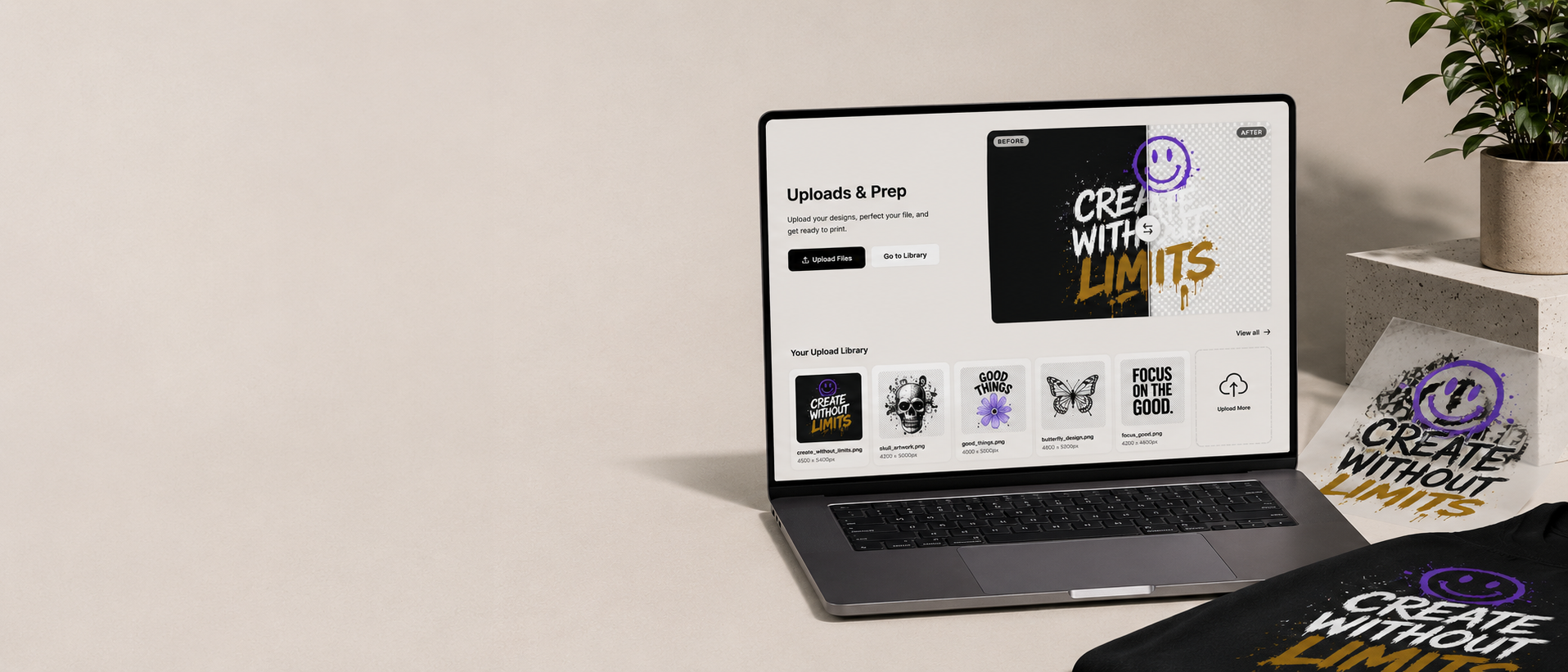
It’s the boring-but-critical step between “I have a design” and “it prints great.”
Who is this for?
If you’re uploading anything that’ll eventually be printed, this is for you. Most people don’t realize their files need help until something prints wrong.
Anyone using AI-generated art
Midjourney, DALL·E, Stable Diffusion — looks great on screen, blurry at print size. We upscale and sharpen automatically.
Small businesses with old logos
That logo from a 2014 PowerPoint? We can salvage it. Pixel-by-pixel cleanup so it prints sharp at any size.
Designers who hate file prep
You designed it. We’ll handle backgrounds, transparency, and color profile. Get back to designing.
First-time print buyers
Don’t know if your file is print-ready? Upload it. We tell you within seconds — and fix it if we can.
How to use it
About 60 seconds from drag-and-drop to a saved, print-ready file you can use forever.
- 1
1. Drag any file in
PNG, JPG, SVG, PDF, AI, PSD, EPS, TIFF, WebP — any of the formats designers actually work with. Up to 50MB per file.
- 2
2. Watch the auto-prep run
Backgrounds detected, edges traced, resolution checked. The whole thing happens in your browser in seconds — no email, no ticket, no waiting.
- 3
3. Approve the result
See the cleaned file side-by-side with your original. Like it? Save it. Want a tweak? Re-upload or request manual prep.
- 4
4. Use it anywhere
Approved files land in your Art Library. Drop them straight into a mockup, a gang sheet, or a POD product without re-uploading.
What we accept
Bring whatever file you have. Seriously.
- PNG / JPG / WebP
- SVG / AI / EPS / PDF
- PSD / TIFF
- Anything weird
Art prep questions
File formats, color profiles, manual prep timelines — the most common questions are below.
Have a file that needs help?
Drop it in and let our auto-prep do the boring part. Saves to your library, ready to drop into any order.